
See It on Your Wall
Want to see our prints on your wall? Here’s how.
If you are not sure how the print would look on the wall of your home or office, let me make a virtual mock-up to show you. Not sure what size print works best? I can show you a couple different sizes. Want to see how it would look with your furniture or decor? Let me show you.
As you browse images in our Print Store, make note of their image IDs (example: “AAC2”).
Take a photo of the wall in your home or office. Make the photo as perpendicular to the wall as possible.
Measure a large object that appears in the photo. The object should be on, up against or near the wall. For example, the length of a sofa, or the width of a fireplace mantle.
Use the form below to send me the following information. Feel free to ask about multiple images on one wall. Submit multiple forms for multiple walls:
The list of image ID(s) you are interested in (e.g. “AAC2”).
The type of print (metal, acrylic, fine art) and sizes (e.g. “20X30 acrylic”).
The photo of your wall.
The dimensions of the object in your photo (e.g. “fireplace is 48 inch wide”).
I will send you a digital mock-up showing the print(s) on your wall. I will also attempt to correct the colors and exposure in your original photo. We can further iterate the images, sizes and layouts by email. Note that I can usually send these digital mock-ups within 24 hours, but this can be delayed if I am out in the field or on a remote trip, so please be patient.
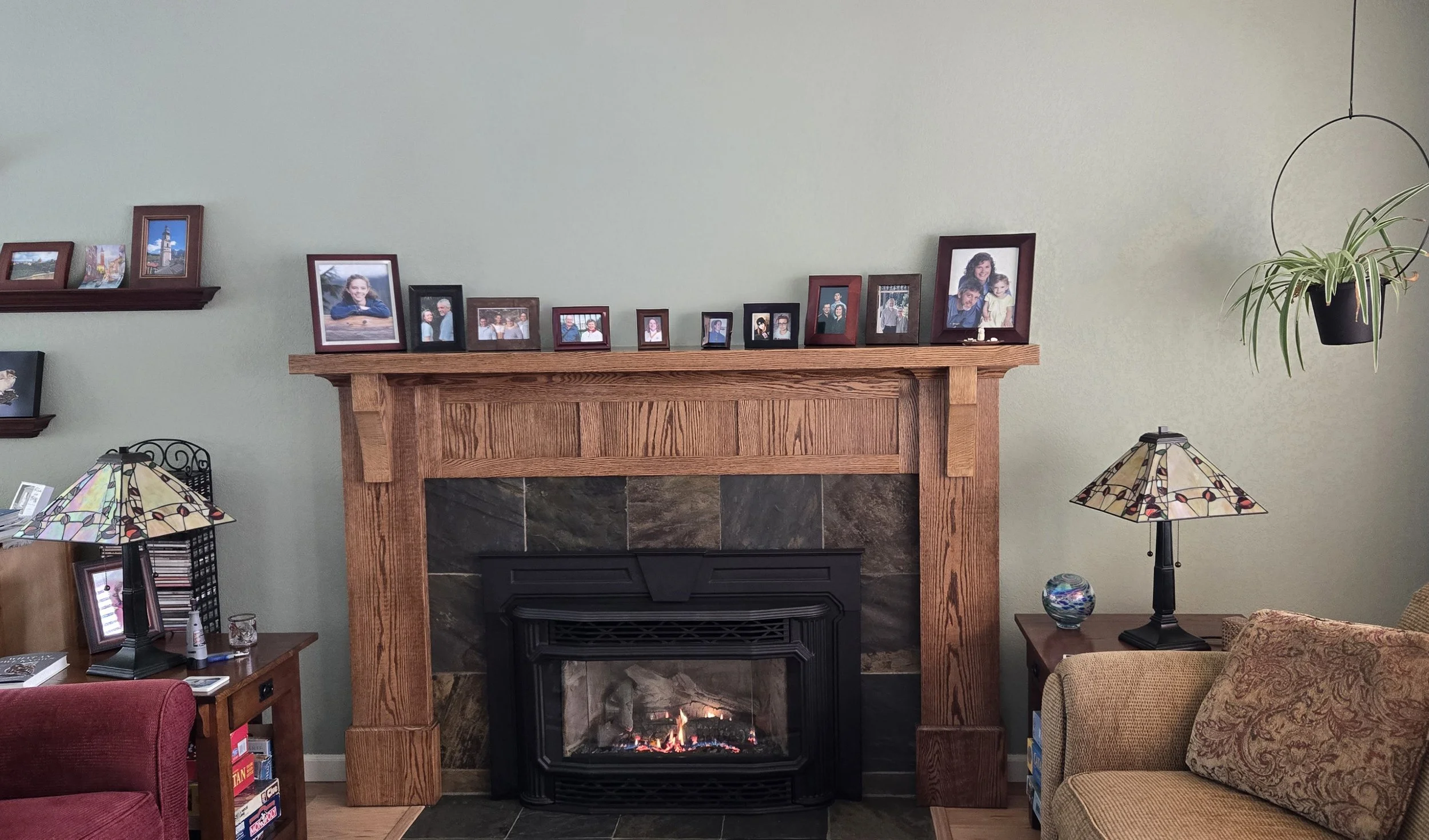
Use the form below to tell me which print you like and to send a photo of your wall (Step 4).
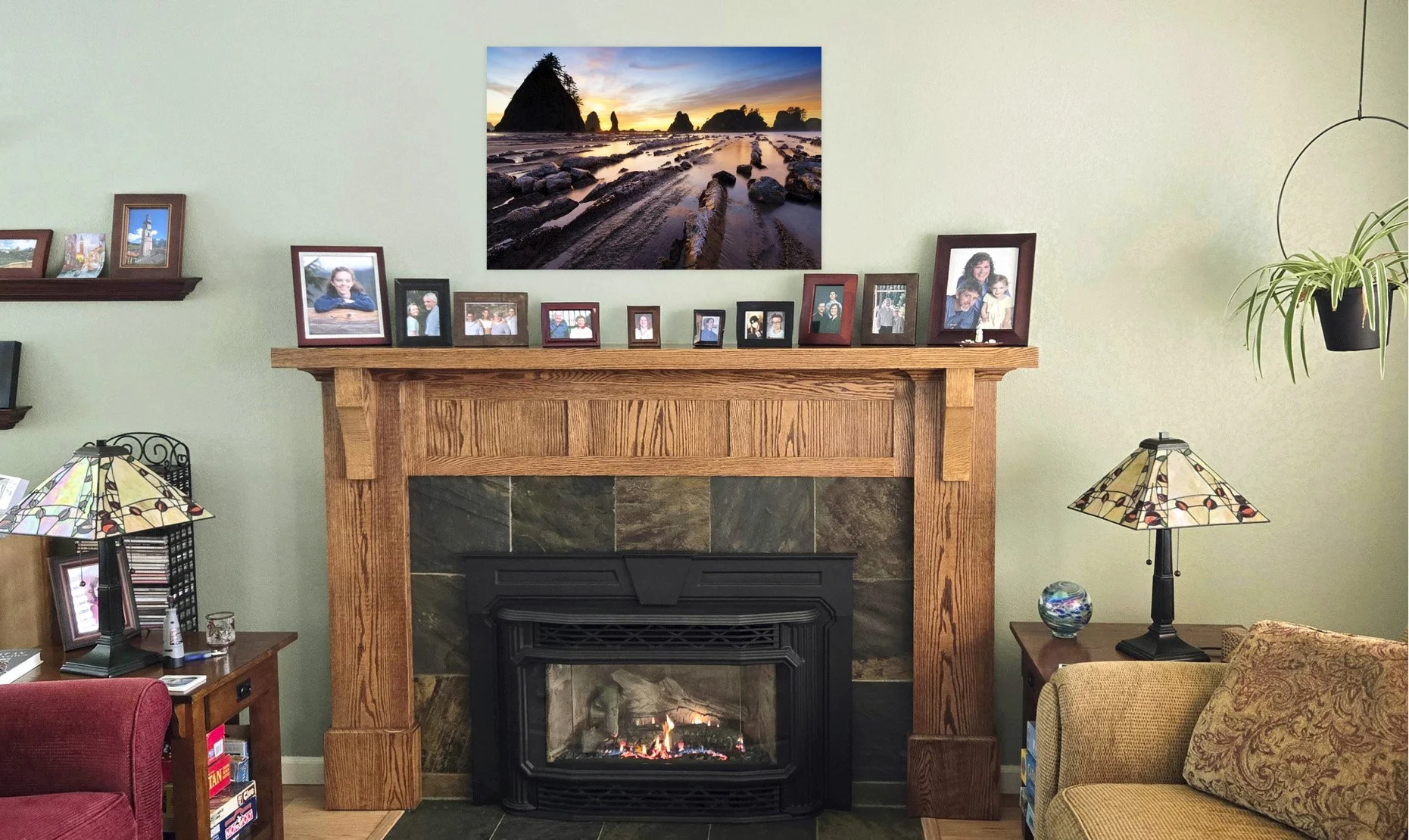
I send you a photo showing my print on your wall (Step 5).